

LaTeX is a very high-quality formatting tool for scientific research writing, especially suitable for journal submissions and mathematical modeling papers. This tutorial will start from scratch and gradually explain environment configuration, common commands, template usage and practical skills. It will be accompanied by VS Code operation demonstrations throughout the process to help you get started quickly and produce standard documents.
1. What needs to be configured
Three parts need to be installed:
components | Function |
TeX Live | Provides XeLaTeX, PDFLaTeX, LuaLaTeX, latexmk, BibTeX, Biber and macro packages |
VS Code | Editor |
LaTeX Workshop | Call TeX Live, preview PDF, code completion and SyncTeX in VS Code |
Note:LaTeX Workshop itself is not a compiler. Installing only extensions without TeX Live will not compile.
2. Install VS Code
1. Download the official version
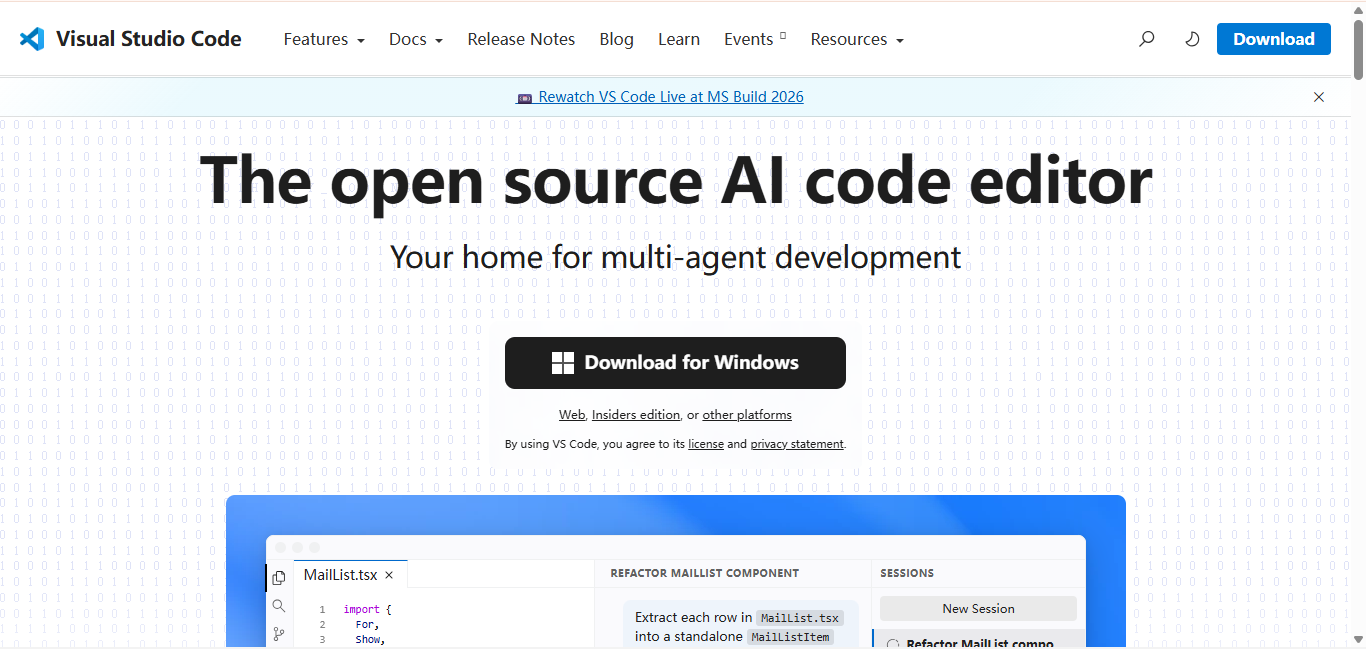
2. Installation options
When running the installer, it is recommended to check:
After the installation is complete, close and reopen PowerShell and test:
Note: CMD and Powershell can pass
Win+R After the window pops up, enter cmd or powershell to use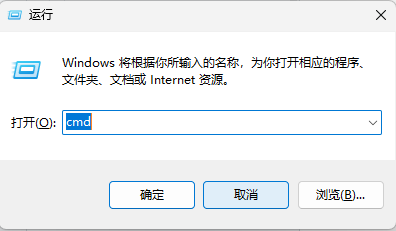
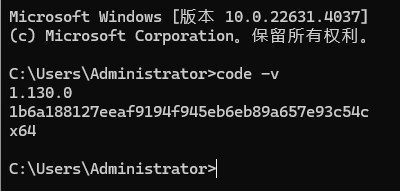
It is normal to be able to display the version number.
3. Install the latest stable version of TeX Live
1. Why choose TeX Live
For mathematical modeling and journal papers, it is recommended to use the full version of TeX Live because:
- Contains most common macro packages
- The Windows version comes with Perl and can be run directly
latexmk
- Includes XeLaTeX, PDFLaTeX, LuaLaTeX
- Includes BibTeX, Biber
- Does not rely on temporary downloading of macro packages during compilation
LaTeX Workshop officially recommends TeX Live; although MiKTeX is smaller in size,
latexmk Also requires additional handling of the Perl environment.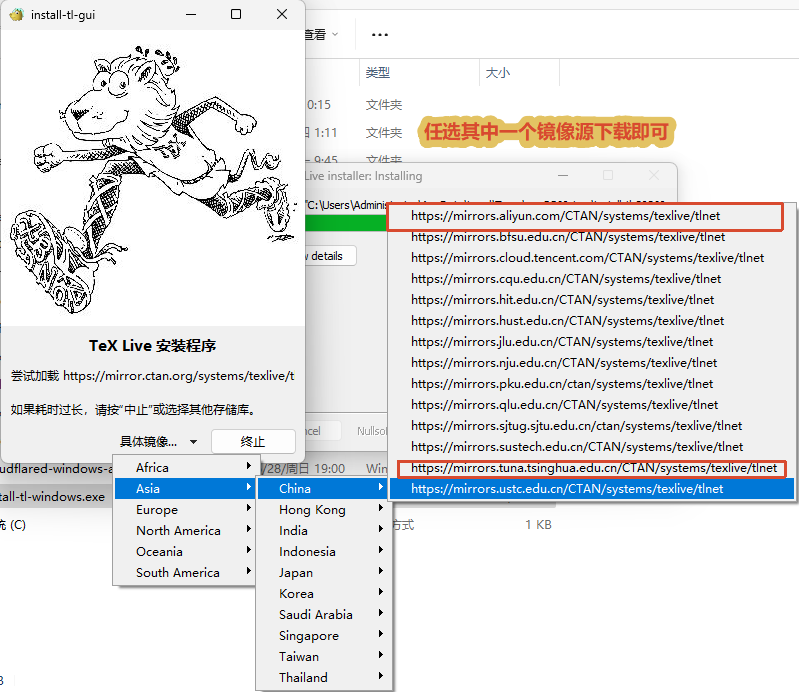
Official download address
https://www.latex-project.org/get/
2. Select domestic mirror
Recommendation: Tsinghua University TUNA
Mirror directory:
Windows Installer:
ZIP installer:
Tsinghua Mirror officially provides TeX Live installation and
tlmgr Mirror configuration method. (Tsinghua Mirror Station)Backup: Alibaba Cloud
This directory provides the current TeX Live network installer and installation repositories. (Alibaba Cloud Image)
Automatically select CTAN image
mirror.ctan.org will automatically jump to nearby CTAN mirrors, but the automatically selected node may not necessarily be the fastest for the current network. (TeX Users Group)3. Graphical interface installation method
Download:
Double-click to run, then:
- Select Install.
- Enter the TeX Live installation interface.
- Click Advanced.
- Check or modify the Repository.
- Select the installation plan.
- Set the installation path.
- Start the installation.
Recommended settings
project | Recommended value |
Repository | Tsinghua TUNA |
Selected scheme | scheme-full |
Installation root | C:\texlive\2026 |
Default paper size | A4 |
Install documentation | Reserved |
Install source files | Can be canceled to save space |
Create shortcuts | Optional |
Adjust PATH | Enable or keep default |
Installation path requirements
Recommended use:
TeX Live officially recommends that Windows installation paths avoid non-ASCII characters such as Chinese. (TeX Users Group)
4. Use the command line to force the image to be specified
If the graphical installer is slow to download, you can download it:
Unzip to a pure English directory, for example:
Open PowerShell in the folder and run:
4. Check whether TeX Live is installed successfully
After installation is complete:
- Completely close VS Code.
- Close all PowerShell and CMD.
- Reopen PowerShell.
Execute in sequence:
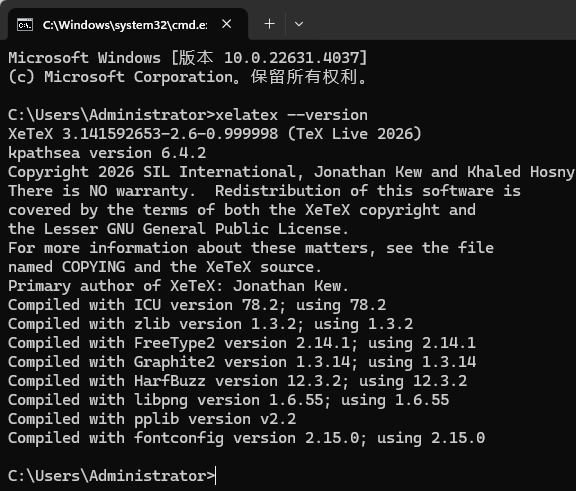
Check the actual path:
Normally should point to something like:
If it prompts "Command not recognized"
Add the following directories to Windows
Path: Operation path:
Restart VS Code after adding. LaTeX Workshop only calls the system
The program in
PATH does not fix TeX Live environment variables by itself. (GitHub)5. Install LaTeX Workshop
(Windows) Open VS Code and press:
Search for:
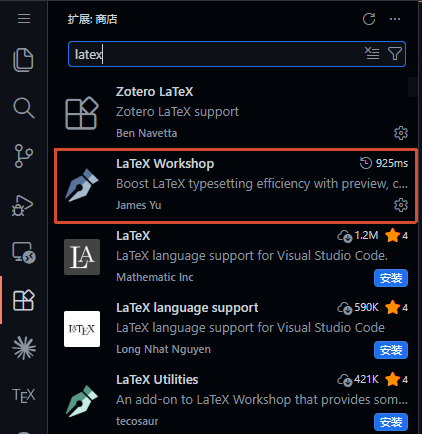
Confirm:
Then click Install.
can also be executed in PowerShell:
VS Code supports installing extensions by extension ID; the current LaTeX Workshop requires a newer VS Code version, so the current official VS Code should be used. (Visual Studio Code)
6. Configuration settings.json
1. Open the configuration file
Press:
Search for:
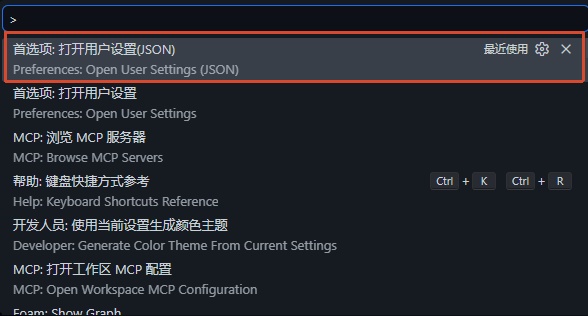
If other configurations already exist in the original file, do not write the outermost layer again.
{}, only merge the corresponding attributes.2. Recommended complete configuration
The recipe of LaTeX Workshop is a set of compilation tools that are called in sequence;
latexmk is the default and recommended build method to manage duplicate compilations and reference dependencies.first and lastUsed are all officially supported default recipe selection methods.The built-in PDF reader supports SyncTeX positioning of source code to PDF and PDF to source code.
8. Create test files
1. test.tex
2. refs.bib
9. Compilation
1. Make sure the current window is test.tex
Click:
Choose a compilation solution based on Chinese and English situations
2. Execute compilation
Shortcut keys:
After success, it will generate:
3. Open PDF
Shortcut keys:
4. Forward positioning
Place the cursor on
.tex For a certain line of source code, press:The PDF will jump to the corresponding location.
5. Reverse positioning
In VS Code built-in PDF:
10. How to choose a compiler in different scenarios
Usage scenarios | Compilation scheme |
Chinese mathematical modeling | latexmk (XeLaTeX) |
Chinese degree thesis | Prioritize the template description, usually XeLaTeX |
English Mathematical Modeling | Usually PDFLaTeX |
Foreign journal template | Description by journal template |
use fontspec | XeLaTeX or LuaLaTeX |
Use system Chinese fonts | XeLaTeX or LuaLaTeX |
Tradition .cls、.bst Template | Usually PDFLaTeX |
biblatex + biber | All three engines are available, leave it to latexmk |
natbib + bibtex | All three engines are available, leave it to latexmk |
Do not force all templates to be compiled with XeLaTeX for the sake of uniformity. When the journal template explicitly requires PDFLaTeX, you should switch to:
11. Multi-file paper configuration
Project structure:
main.tex: in
chapters/introduction.tex The first line reads:In this way, LaTeX Workshop will compile even if the subfile is currently being edited.
main.tex. Root file magic comments are the officially supported identification mechanism.12. Optional: Turn on grammar checking
Confirm that the following commands are normal:
and then in
Modified in
settings.json :ChkTeX will check for common LaTeX writing and typesetting problems and display the results in the "Problems" panel of VS Code, but some warnings are just style suggestions and do not mean that compilation is impossible.
13. Optional: Format LaTeX
Confirm:
and then open
.tex file, press:It is not recommended to enable it from the beginning:
In complex journal templates, automatic formatting may cause a large number of meaningless code differences.
14. Troubleshooting common errors
1. Cannot find LaTeX root file
The reason is usually that the currently active window is not
.tex file.Processing:
- Click
test.tex.
- Confirmation contains:
- Open the entire project folder.
- Sub-file added:
LaTeX Workshop's root file identification first checks the currently active editor, so triggering compilation in the log window will result in the main file not being found. (GitHub)
2. spawn latexmk ENOENT
Reason: VS Code cannot be found
latexmk.Check:
If not found, will:
Join
Path and then completely restart VS Code.3. xelatex is not recognized
Check:
It’s still a TeX Live environment variable issue, not
.tex File name problem.4. File xxx.sty not found
Install missing macro packages:
Install based on search results:
If used
scheme-full, this usually only occurs in very new or template-private packages.5. Biber error
Check:
Cleanup items:
Then recompile:
Also check:
and:
Is the file name correct?
6. PDF not updated
Execute in sequence:
Then check:
and:
7. Chinese font error
Don’t specify it yourself initially:
First use:
Let
ctex Automatically select available fonts. After confirming that the basic environment is normal, configure specific fonts.15. Notes on journal submissions
When journals provide templates, they usually include:
Processing principles:
- Do not modify
.clsand.bst, unless explicitly requested by the journal.
- Don’t put
ctexForcibly add the English journal template.
- Select PDFLaTeX, XeLaTeX or LuaLaTeX as per template description.
- Use the journal's existing reference commands.
- Check whether the journal requires uploading before submitting
.bbl.
- Do not write the absolute path of the local machine into the paper:
16. Source of journal templates
1. GitHub search for school dissertation templates

2. Dissertation Latex official template:
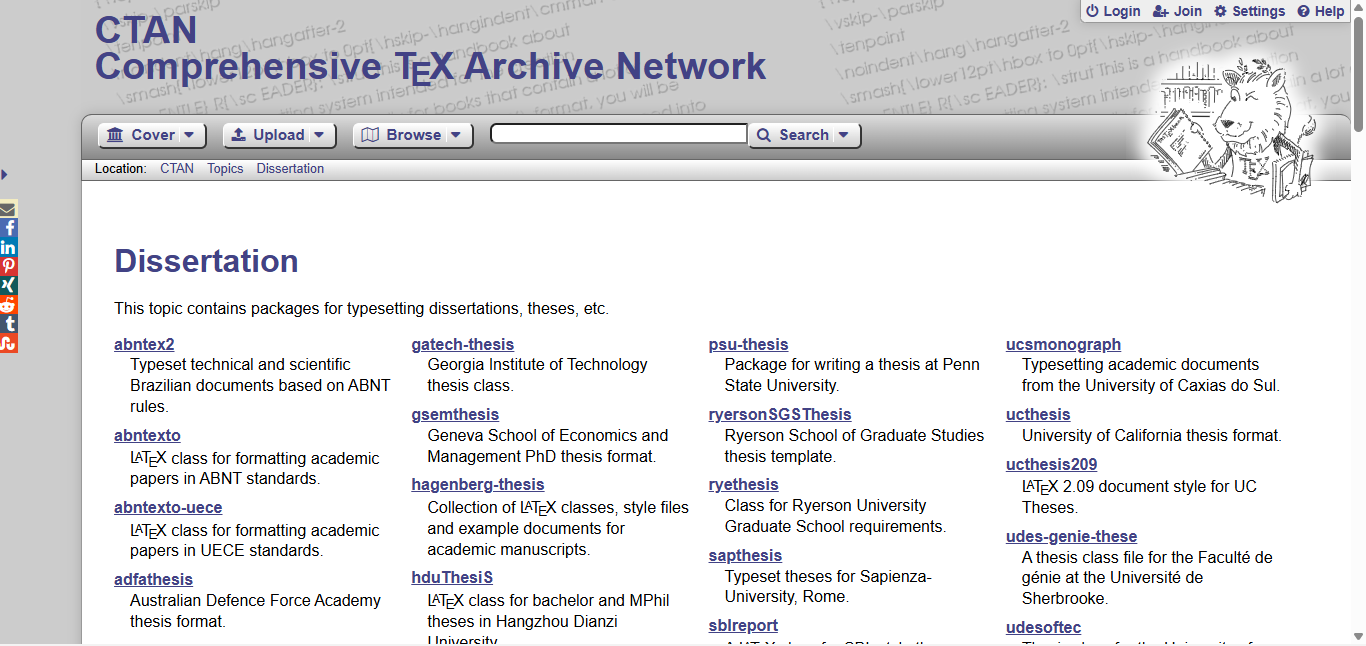
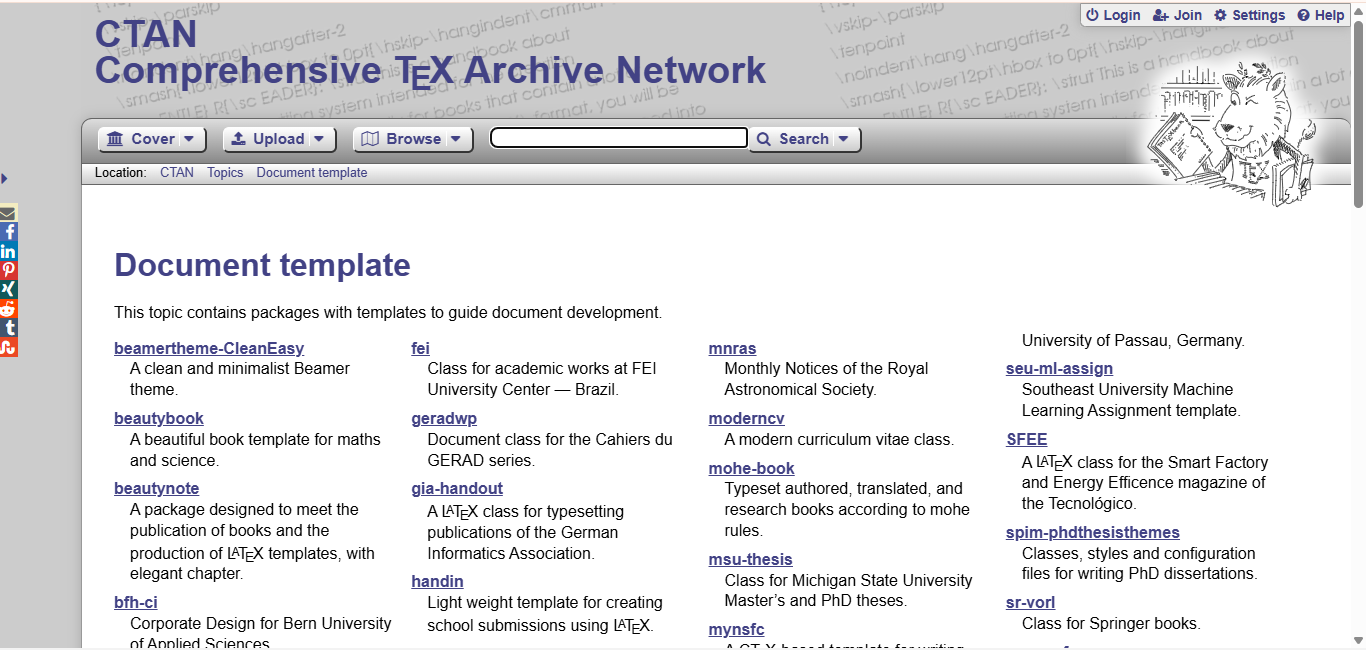
3.Latex official document template
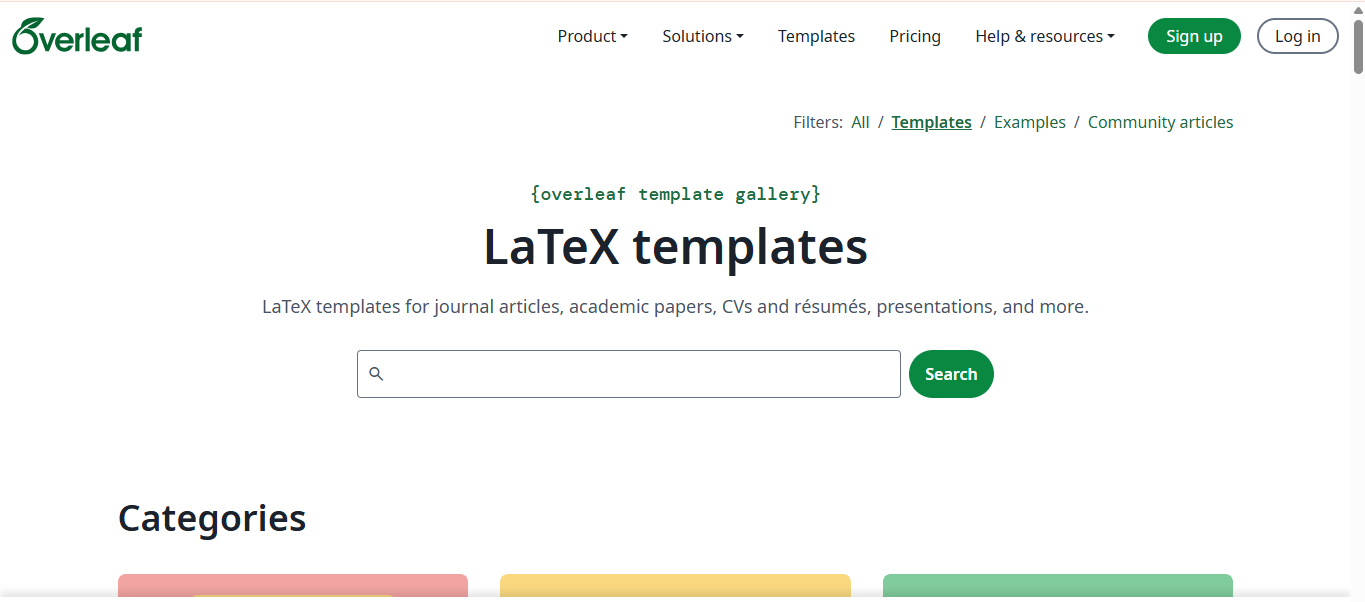
4.Overleaf template
5.Latex Template
6.Latex Studio

Overleaf covers journal articles, papers, resumes, reports, presentations, and posters; CTAN is more suitable for obtaining the official version, documentation, and source files of macro packages.
7. Journal publisher template
Publisher | Official entrance |
IEEE | |
Elsevier | |
Springer Nature | |
Wiley | |
Taylor & Francis |
IEEE provides tools for selecting templates by specific publications; Elsevier uses
elsarticle and other official document types; Springer Nature and Wiley also provide template packages, but they all require checking the target journal's own author guidelines at the same time.Chemistry and Materials
ACS provides official style packages and submission document requirements; RSC provides different types of LaTeX templates such as Article, Communication, and Faraday Discussions.
8. Mathematical modeling template
MCM/ICM Meisai
mcmthesis is a document class specially designed for MCM/ICM papers. TeX Live usually already includes this macro package.National Undergraduate Mathematical Modeling Competition
- GitHub Search: CUMCM LaTeX
- Overleaf Search: CUMCM
The community template may not be synchronized with the competition requirements of the current year. Before participating, you must check the margins, abstract page, numbering and commitment letter against the organizer's latest paper format.
17. Efficiency tools
website | Purpose |
Visually generate ordinary tables and booktabs Three-wire table | |
Handwritten symbols, identifying corresponding LaTeX commands and macro packages | |
TikZ source code for mathematics, physics, chemistry and flow charts | |
TikZ system tutorial and complete example | |
TikZ/PGF drawing case library | |
Examples of two-dimensional and three-dimensional scientific curves and data drawings |
18. Shortcut keys
1. Universal
Function | Windows/Linux | macOS |
Compile LaTeX project | Ctrl + Alt + B | Cmd + Option + B |
Open the compiled PDF | Ctrl + Alt + V | Cmd + Option + V |
Source code is located in PDF | Ctrl + Alt + J | Cmd + Option + J |
Clean up auxiliary files | Ctrl + Alt + C | Cmd + Option + C |
PDF reverse positioning source code | Ctrl + click PDF | Cmd + click PDF |
2. Font style
Shortcut keys | Generate command | Properties | Common uses |
Ctrl+M, Ctrl+B | \mathbf{} | Math Bold | Vector, matrix |
Ctrl+M, Ctrl+Shift+B | \mathbb{} | blackboard bold | Number set, number field |
Ctrl+M, Ctrl+C | \mathcal{} | squiggle | Set family, function space, operator |
Ctrl+M, Ctrl+R | \mathrm{} | Upright serif | Unit, operator name, descriptive subscript |
Ctrl+M, Ctrl+I | \mathit{} | Mathematics italics | Multi-letter variables or italicized text |
Ctrl+M, Ctrl+S | \mathsf{} | Sans serif | Special vector, matrix, or categorical notation |
Ctrl+M, Ctrl+T | \mathtt{} | Monospace font | Code, algorithm variables, strings |
3. LaTeX Workshop common code snippets
After entering the abbreviation, press
Tab or select from the completion list:input | Generate content |
BEQ | equation Environment |
BSEQ | equation* Environment |
BAL | align Environment |
BSAL | align* Environment |
BGA | gather Environment |
FBF | \textbf{} |
FIT | \textit{} |
MBF | \mathbf{} |
MBB | \mathbb{} |
MCA | \mathcal{} |
LaTeX Workshop also supports using
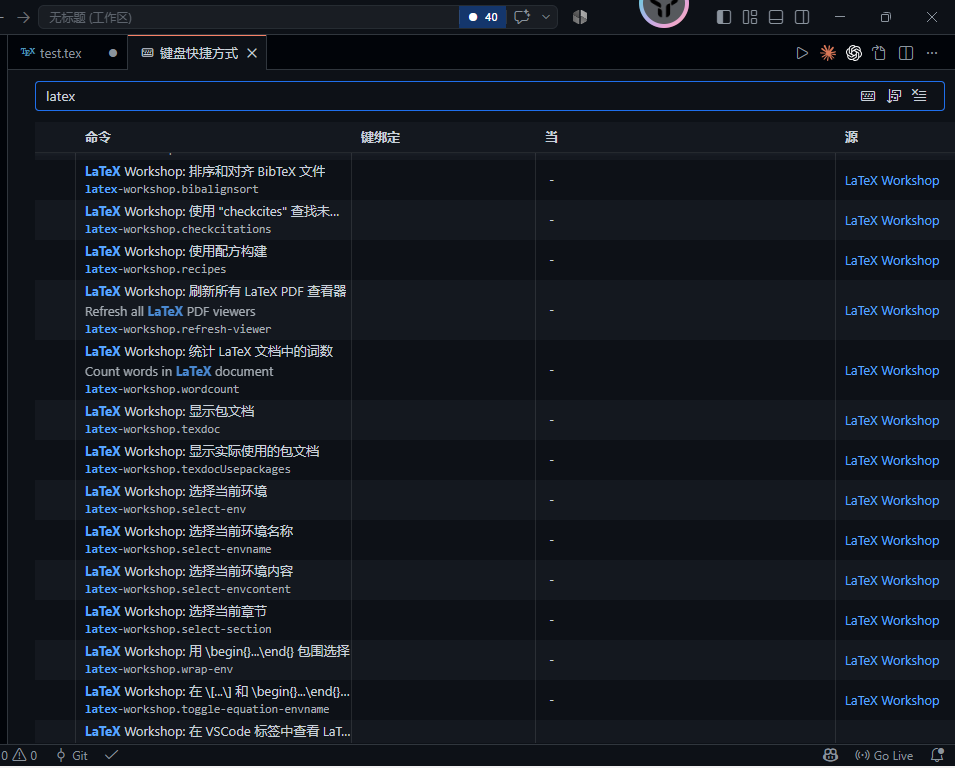
@ Prefix input with Greek letters and mathematical symbols.4. View and modify all shortcut keys
Press continuously:
Then search for:
to view all the shortcut keys actually in effect in the current version; this is more reliable than relying on a fixed list, because the shortcut keys may be overridden by other extensions or personal configurations.
19. Basic Latex syntax
The following command cheat sheet has covered the core requirements for introductory writing, formulas, charts, quotations, and Chinese typesetting in LaTeX.
1. Minimal Chinese document
2. Title level
Change paragraph: There is an empty line in the source code.
Force newline:
3. Text format
Font size:
Center:
4. List
Unordered list:
Ordered list:
5. Mathematical formulas
Inline formula:
Independent formula:
Numbered formula:
Quoting formula:
Commonly used math commands:
Multi-line formula:
The introductory area requires:
matrix:
6. Pictures
Introduction area:
Text:
Quote:
7. Table
Recommended three-line table, introduction area:
Text:
Quote:
Column format:
8. Hyperlink
Introduction area:
Text:
9. References
Introduction area:
Text citation:
Output at the end of the article:
references.bib: 10. Special characters
The following characters need to be escaped:
Notes:
11. Recommended introduction area
12. VS Code common shortcut keys
Function | Shortcut keys |
Compile | Ctrl + Alt + B |
View PDF | Ctrl + Alt + V |
Source code location PDF | Ctrl + Alt + J |
Clean up auxiliary files | Ctrl + Alt + C |
Save | Ctrl + S |
format | Shift + Alt + F |
- Author:Sanmu
- URL:https://luffysite.top/article/latex-vscode-guide001
- Copyright:All articles in this blog, except for special statements, adopt BY-NC-SA agreement. Please indicate the source!